On April 29, 2026, Meta launched Meta Ads AI Connectors — an official MCP (Model Context Protocol) server that lets Claude, ChatGPT, Cursor, and any MCP-compatible AI client manage your Meta ad campaigns through one URL, with a single Meta sign-in.
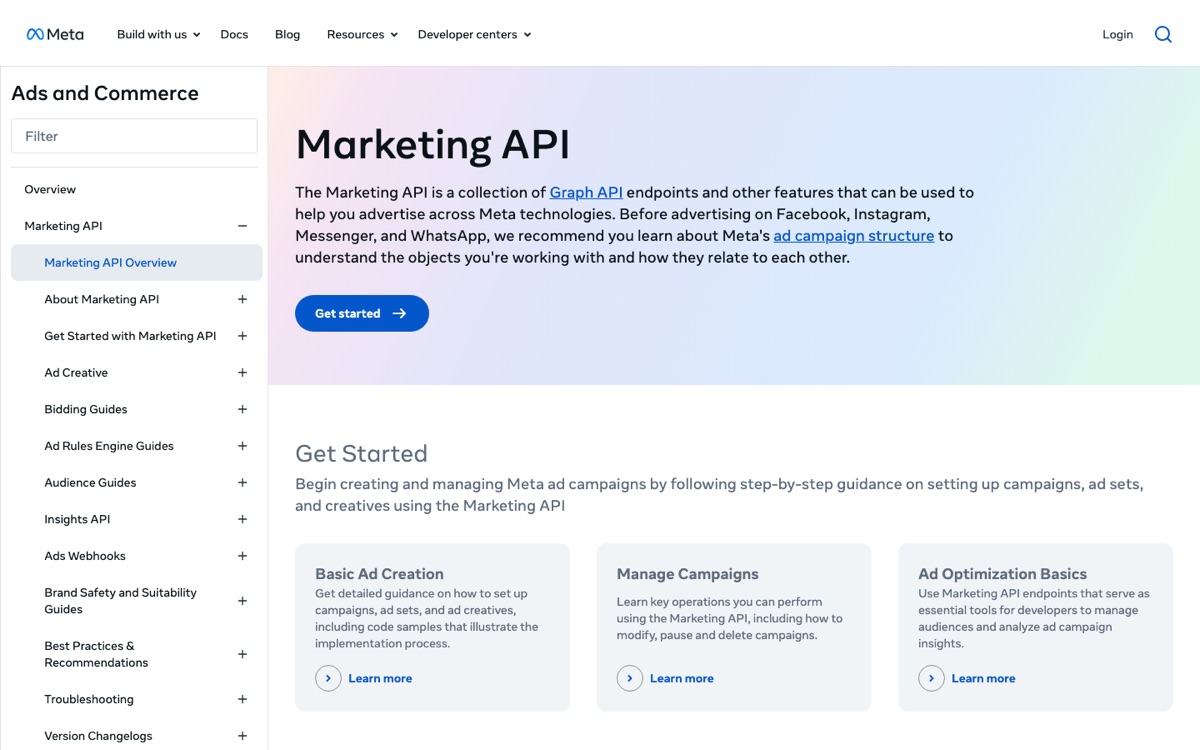
If you've ever wired up Marketing API access by hand — developer token, app review, Business Verification, OAuth refresh tokens — this is the most welcome thing Meta has shipped for advertisers since detailed targeting got nuked.
What you get
29 tools across 4 categories:
- Reporting — campaign performance, breakdown by demo / geo / device / placement, account-level metrics, ad-level metrics. Replaces 80% of Looker dashboards.
- Campaign management — create campaigns, ad sets, ads. Pause / activate. Budget adjustments. Schedule changes.
- Catalog management — upload products, update inventory, sync to Advantage+ shopping campaigns.
- Diagnostics — Pixel signal quality, audience overlap warnings, optimisation event readiness.
It works in Claude Desktop, Claude.ai web, ChatGPT (with the Connectors feature), Cursor, Cline, Windsurf, and Perplexity Comet — any MCP 2026-07-28 spec-compliant client. (See our MCP 2.0 explainer for what's new in the latest spec.)
90-second setup
- Open Claude → Settings → Connectors → Add custom connector.
- Paste
https://mcp.facebook.com/adsas the URL. - Claude opens Meta sign-in — log in with the Meta account that has Business Manager access.
- Grant the requested permissions.
That's it. The connector activates instantly. No JSON config. No API key in environment variables. No app review wait.
A real example
Once it's wired, this prompt works:
> "Pause every active campaign with ROAS under 1.5x in the last 7 days, then show me what we're spending on the ones still running."
Claude calls 3 MCP tools sequentially:
list_active_campaignsto get the candidate list.get_campaign_performancewith last_7_days, ROAS metric, for each one.pause_campaignon the ones returning ROAS < 1.5.get_spend_summaryon the survivors.
Replies with a clean table. Total time: ~12 seconds.
What it costs
The MCP server itself is free during open beta. You pay only for:
- The Meta ad spend you create through it (same as Ads Manager).
- Your AI client's usage (Claude Pro, ChatGPT Plus, etc.).
There's no per-tool charge or API call fee on the Meta side.
The honest caveats
- Open beta. Tool surface may change. Treat it as production-stable for reporting / queries; treat it as experimental for high-stakes bulk changes until GA.
- Permissions follow Meta Business Manager. If your role can't pause a campaign in the UI, the MCP can't either. Use a Business Manager admin token for full access.
- Per-account scope. You connect one Meta business account per OAuth grant. Agencies managing multiple businesses need to add the connector multiple times with different sign-ins.
Compared to building it yourself
Before this launched, the alternative was:
- Apply for Meta App access.
- Wait for App Review (1-3 weeks).
- Pass Business Verification (1-2 weeks).
- Get a developer token (Standard Access usually).
- Implement OAuth in your own service.
- Mirror the entire Marketing API surface as tool definitions.
Total: 4-8 weeks. Meta did all of this for you and charges $0.
Where StackPicks fits
If you only run Meta Ads, use Meta's MCP directly. It's the fastest, cleanest path.
If you want Meta Ads + Google Ads + GitHub + Slack + Notion + 20 other apps through ONE connector URL, that's where StackPicks Connect earns its keep. We're the unified gateway — one OAuth sign-in per app, one MCP URL into your AI client, every provider on the same dashboard.
For ads specifically, we wire Meta's official MCP through Connect for unified-billing customers, and we offer a Bring-Your-Own-Token (BYO) path for Google Ads via the open-source mcp-google-ads server.
Related reading
- GEO in 2026 — Getting Cited by ChatGPT and AI Overviews — the other half of AI-era distribution
- ManyChat Alternatives for Indian Creators — INR pricing compared
— Piyush